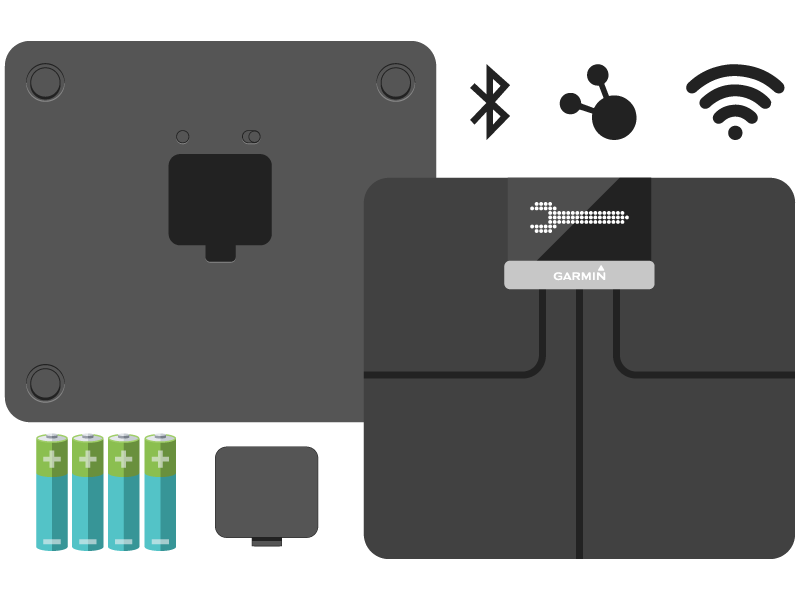
Remove the battery cover of your Garmin Index smart scale and insert 4AA batteries. With the batteries in place, the scale will display a


2
Download and Install
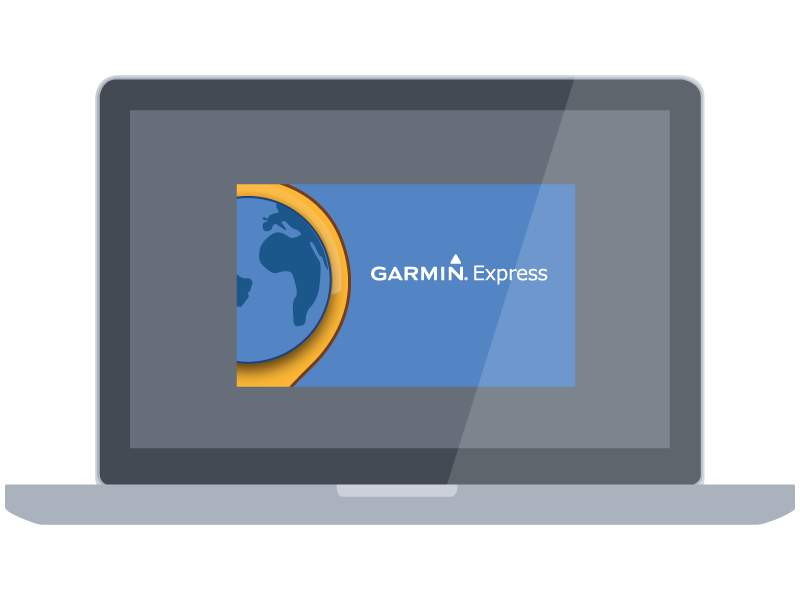
On your computer, download the latest version of Garmin Express™. When the download is finished, click the file to install Garmin Express on your computer.
Download for MacDownload for Windows
3
Plug In the ANT Stick
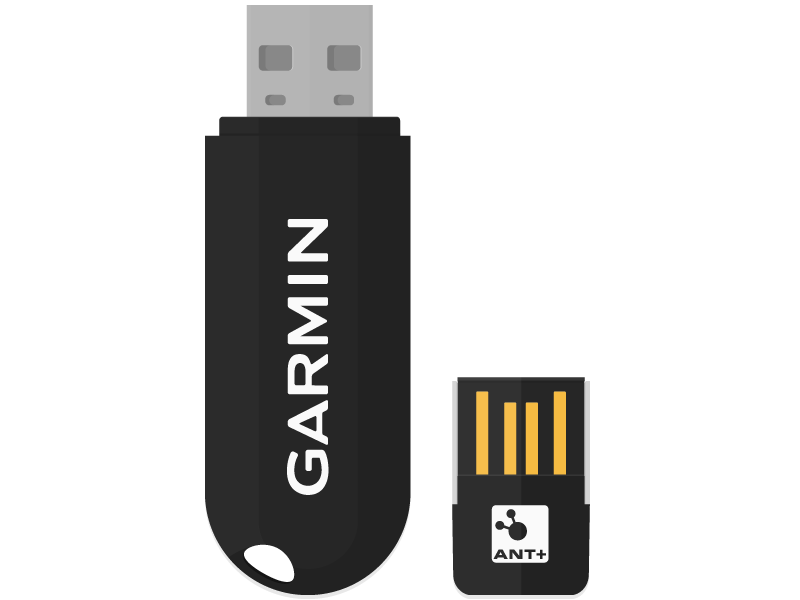
With the Garmin Express application open, plug the ANT™ Stick into your computer’s USB port. To set up your Index Smart Scale™ on a computer, you will need an ANT Stick. If you do not have an ANT Stick, you can set up your device using a smartphone, or you can purchase an ANT Stick.
With the Garmin Express application open, plug the ANT Stick into your computer’s USB port.
4
Add Device
Select